Ad Creative Management for Many Apps: Find Any Project
Ad creative management is keeping every ad you make findable: which app it was for, what was made, and when. In 10xvid each app is a project, and the Projects page holds all of them. Search by name or link, filter by what a project holds and when it changed, and the rest load as you scroll.1
 Every project, found
In short
- One page: every project, with its screen, its name, its ads and when it was last edited.1
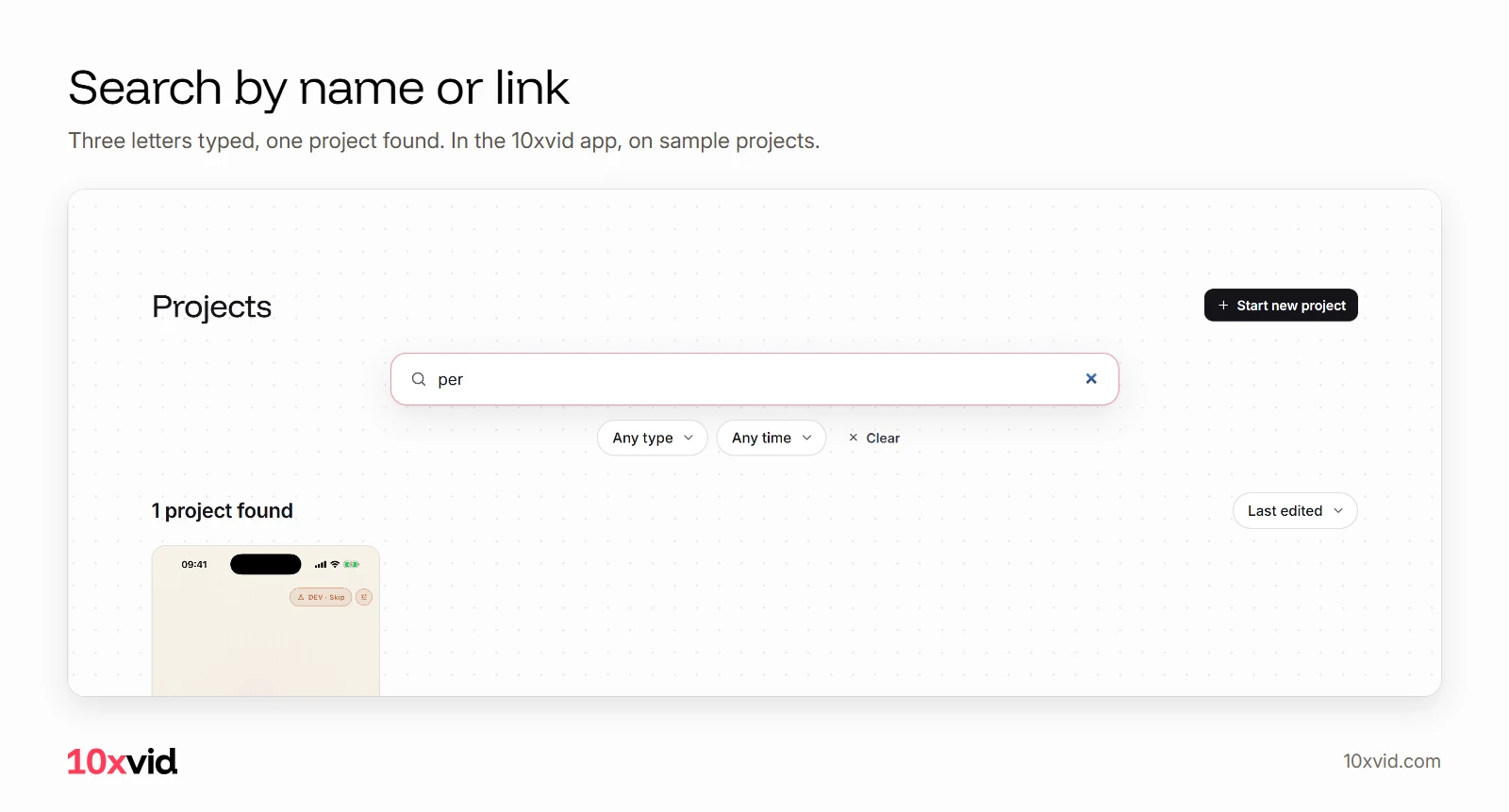
- Search: by the project's name or by its link.1
- Filter: with videos, with image ads, or no ads yet; today, yesterday, the last 30 or 90 days, or the last year.1
- Sort: last edited, newest, or name A to Z.1
- Recents first: the projects you worked in last, then all of them, 24 at a time.1
What is ad creative management?
Knowing where every ad is. An agency with many clients, or a team with many apps, makes ads every week. A month later the question is always the same: where is the ad we made for that app, and which one was it?
In 10xvid the answer is the project. Each app or website is one project, with its chats, its blueprints, its uploads and its videos inside.1
How do you find one project among hundreds?
On the Projects page, under Projects in the app's left rail. The projects you worked in last come first, as Recents, and then all of them:1
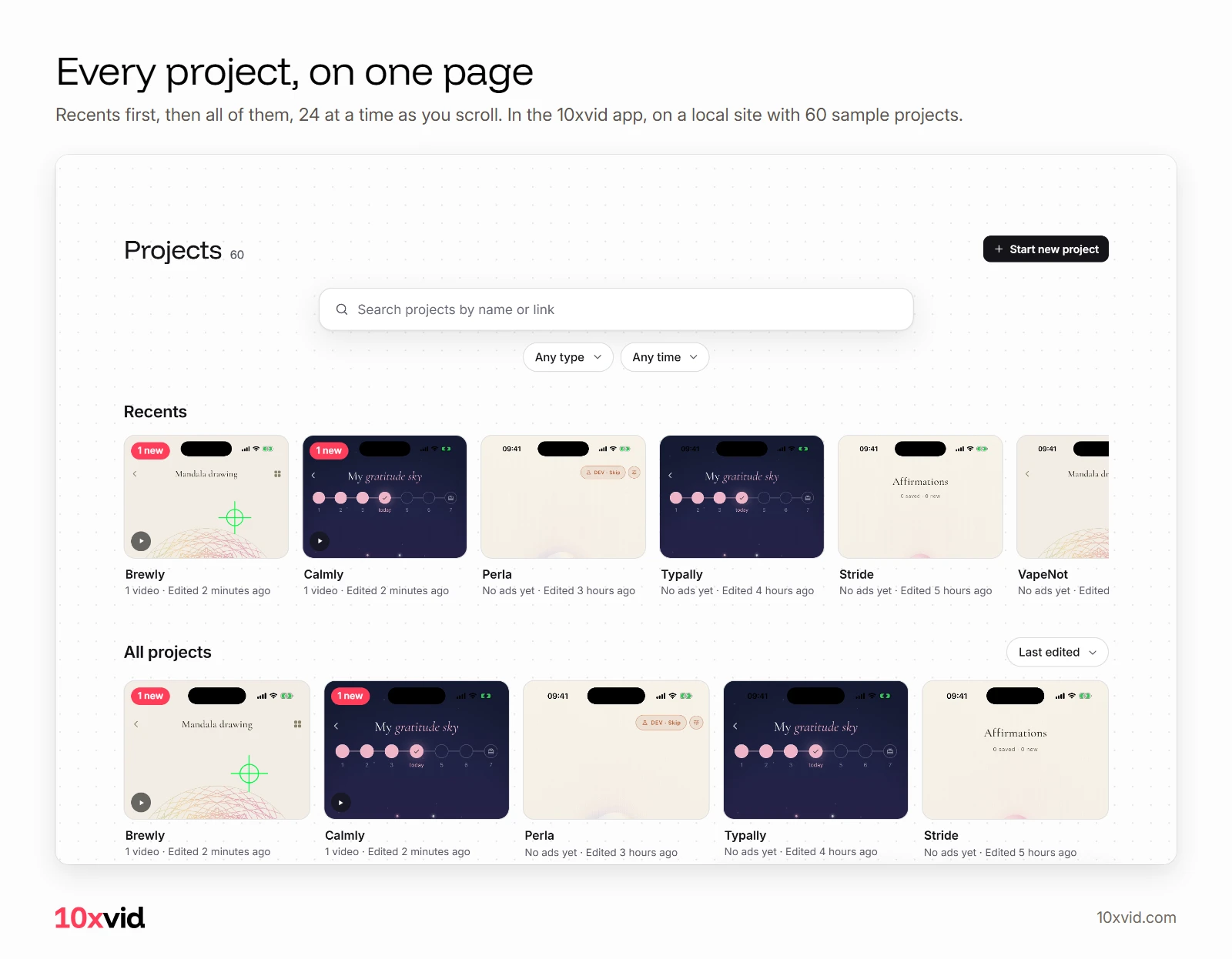
A project with new ads you have not seen shows "1 new", or as many as there are, on its card.1
Can you search projects by link?
Yes. The search takes a name or a link, so the App Store link or the website you pasted finds its project:1
How do you filter projects?
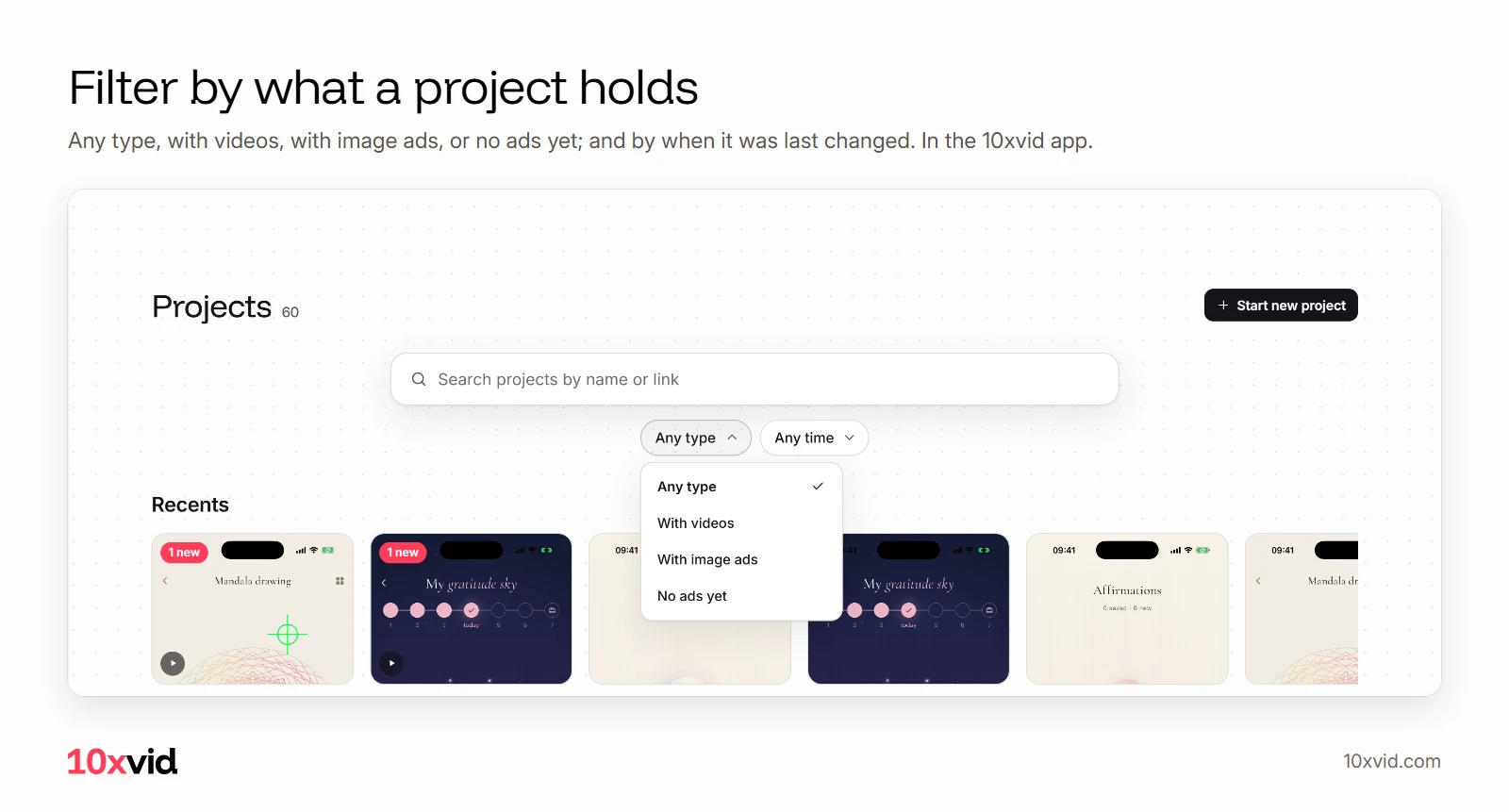
By what they hold, and by when they changed:1
- Type: any type, with videos, with image ads, or no ads yet.
- Date modified: any time, today, yesterday, the last 30 days, the last 90 days, or the last year.
- Sort by: last edited, newest, or name A to Z.
Does it slow down with many projects?
No. The page loads 24 projects at a time, and the next 24 as you come near the end. The panel beside the chat shows projects a page at a time too.1
Where are all the videos?
On Creatives, under the left rail: every project's videos and image ads in one list.1 And Uploads can show the files of all your projects, not only this one: see brand assets in AI video ads.
Where 10xvid fits
10xvid, motion graphics ads for apps, makes a project of each link you paste. It reads the site and draws the ads from its real screens.2 For a team with many apps, that is one project per app, all on one page.
For agencies, 10xvid offers "about 1,000 ads a month, your name on the deliverables", through sales.3 Every paid plan has unlimited brands.3 Paste your link and make your first ad.
Questions about ad creative management
How do I keep ads for many apps organised?
Make one project per app. In 10xvid each project holds its own chats, blueprints, uploads and videos.1
Can I search for a project by its App Store link?
Yes. The Projects page searches by name or link.1
Can I see only projects that have videos?
Yes. Set Type to "With videos".1
How many brands can I have?
Unlimited, on every paid plan.3